


Hands-Free Command.
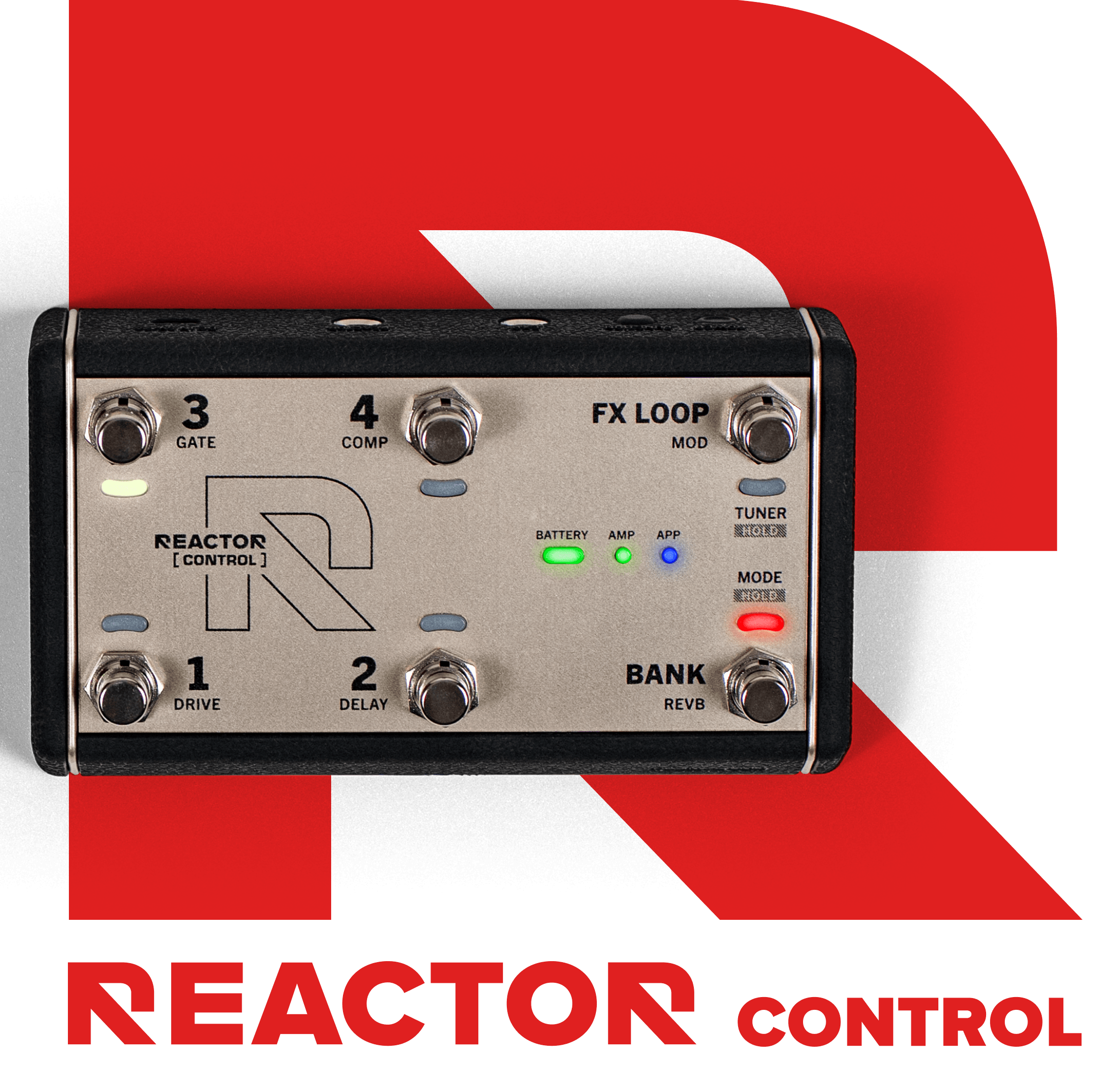
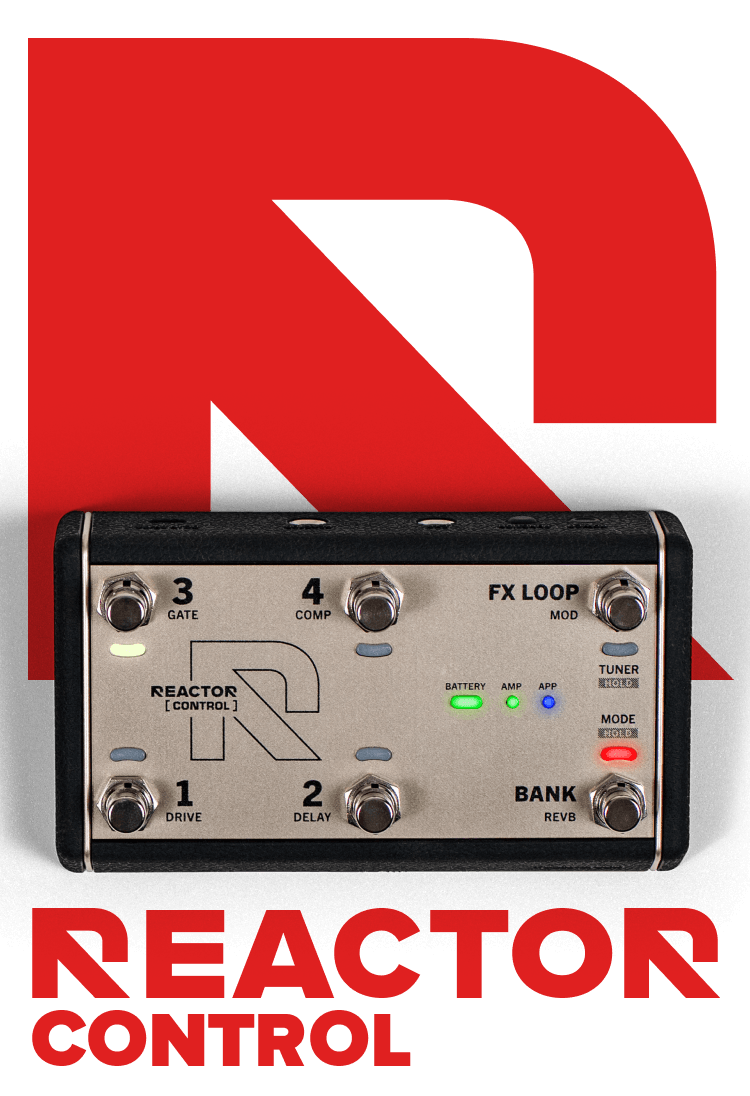
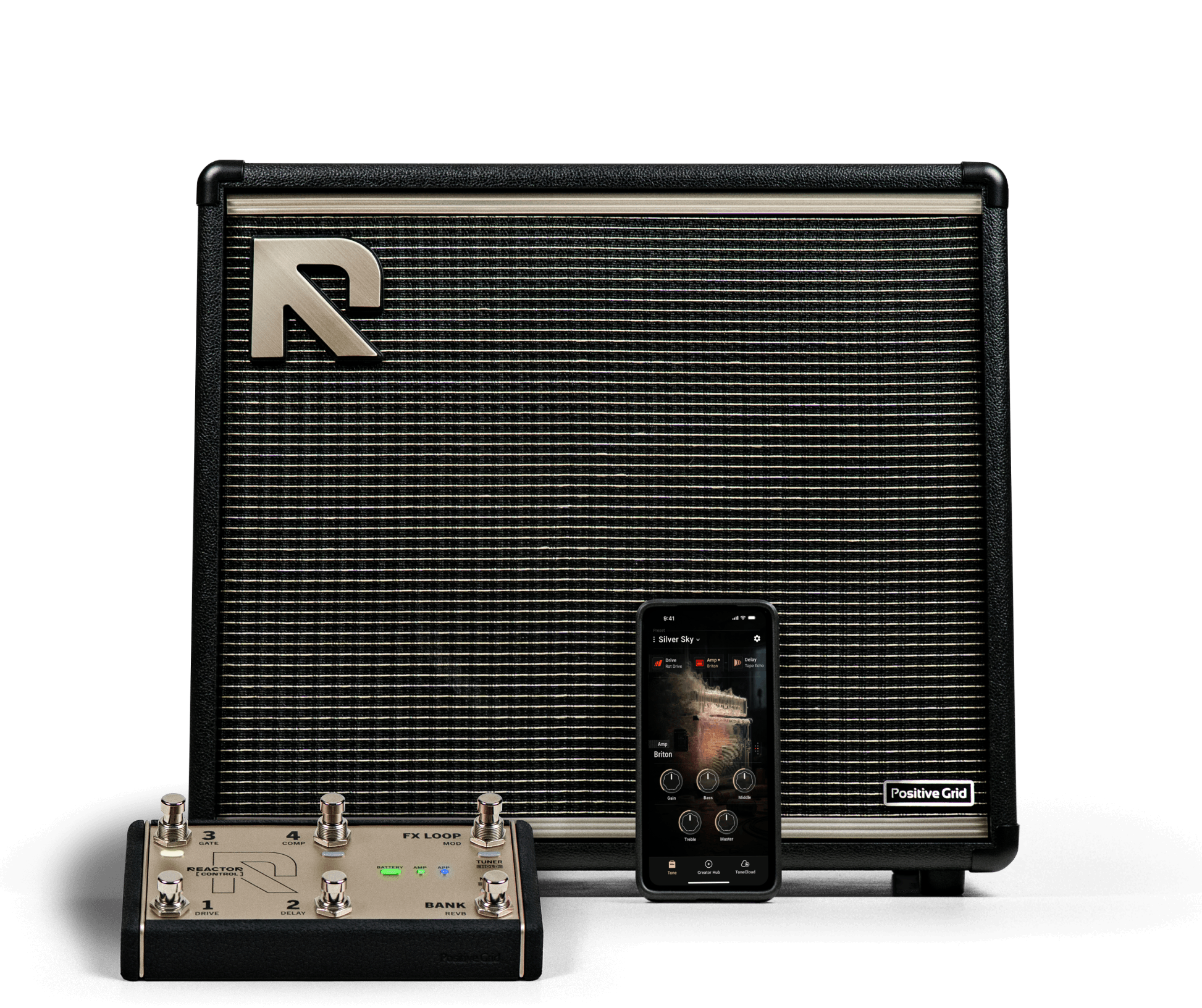
REACTOR Control is designed exclusively for REACTOR guitar amps, giving you seamless, real-time control without breaking your focus. Switch presets, toggle effects, or engage the FX loop with six responsive footswitches, and add an expression pedal for dynamic control over volume, wah, and more. Use it wirelessly for complete freedom, or connect by cable for ultra-stable performance.


Total
Control.
Wired or wireless. This is direct integration.
REACTOR Control is engineered specifically for REACTOR amps. Connect via Bluetooth® for full wireless freedom or connect directly for ultra-low latency. No complex setup. No compatibility guessing.
Pair it. Plug it in. Play.
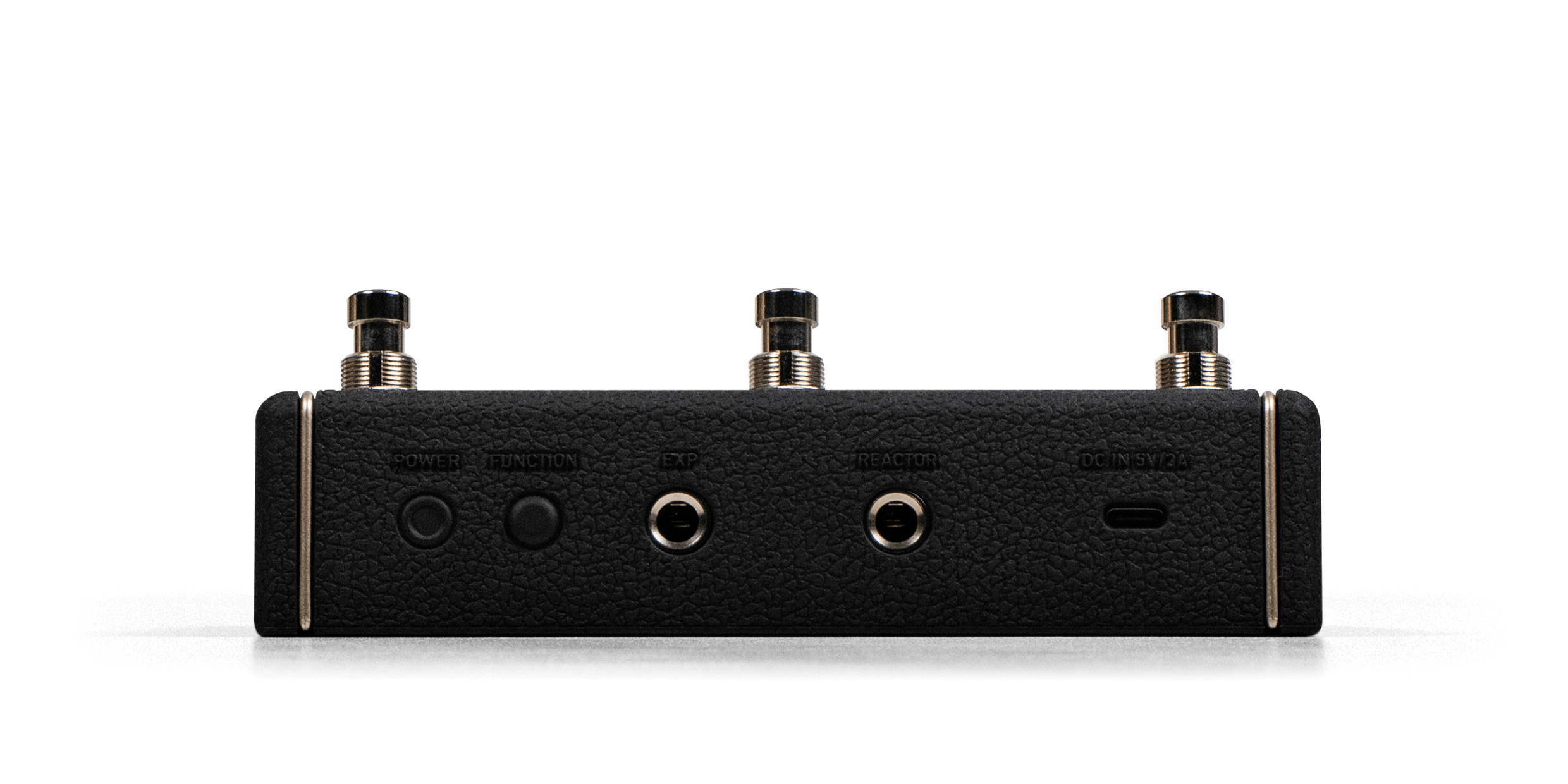
Six
Switches.
Out of the box, REACTOR Control is ready to go. Seamlessly switch between two pre-programmed modes.
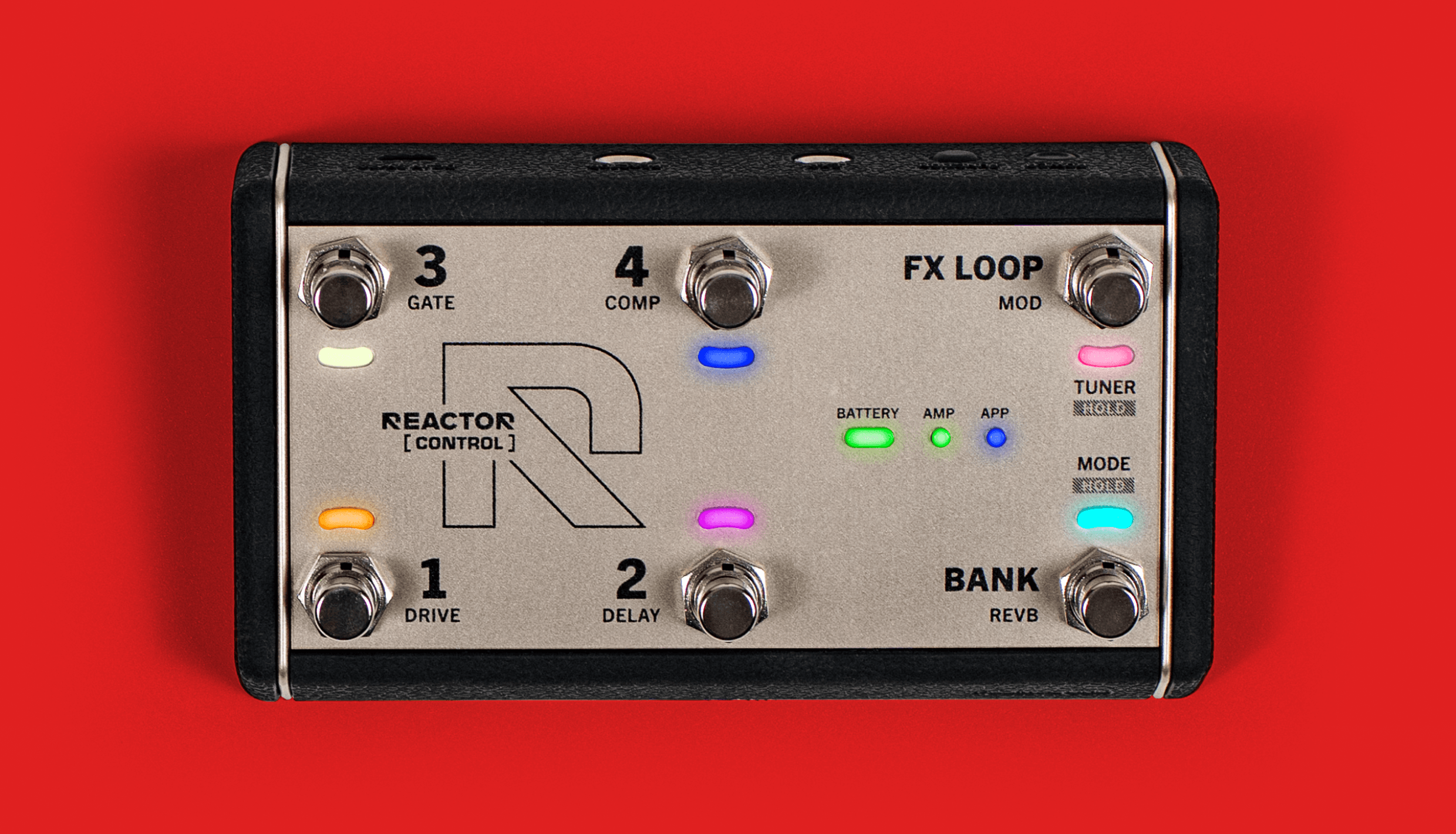
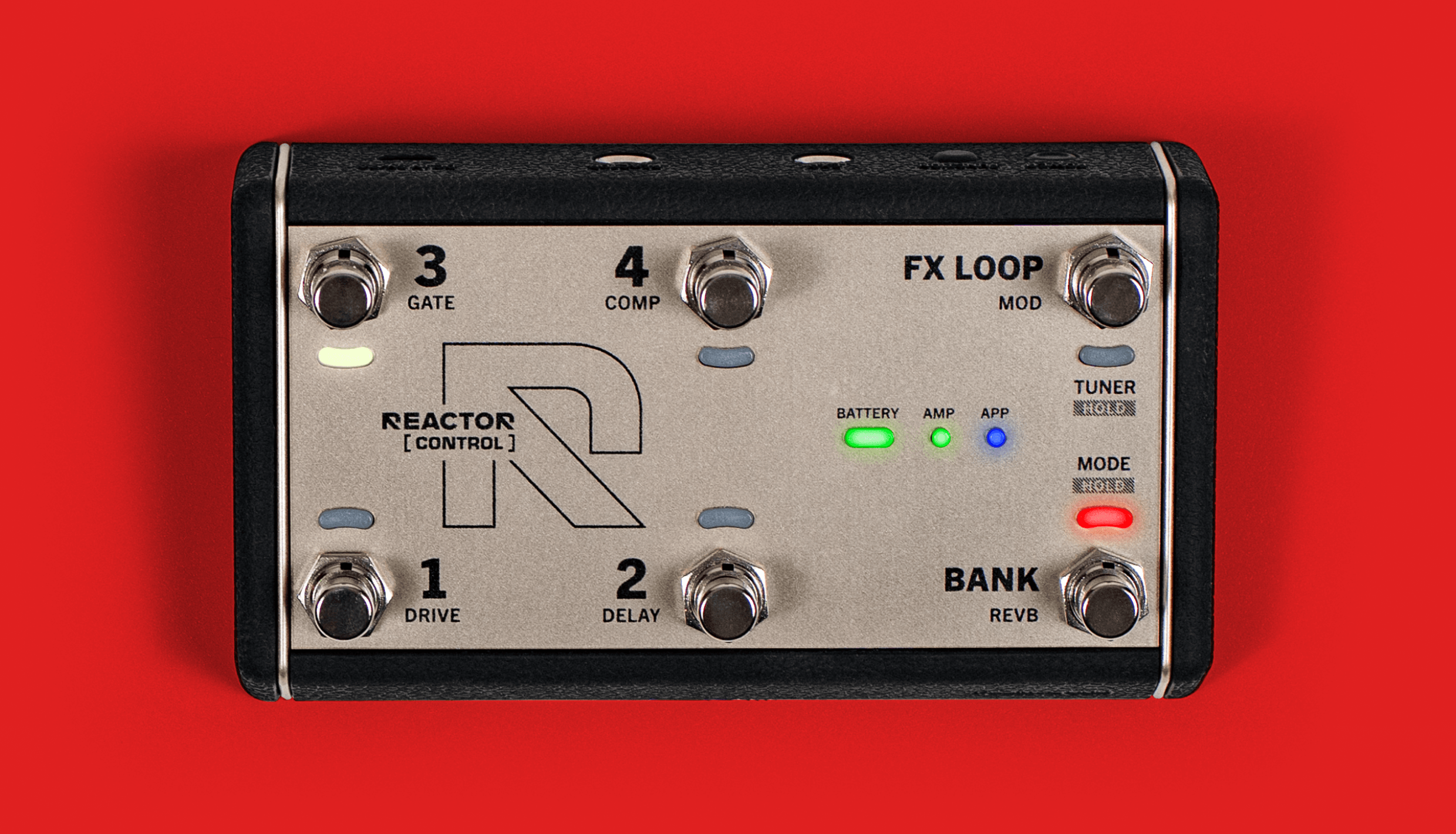
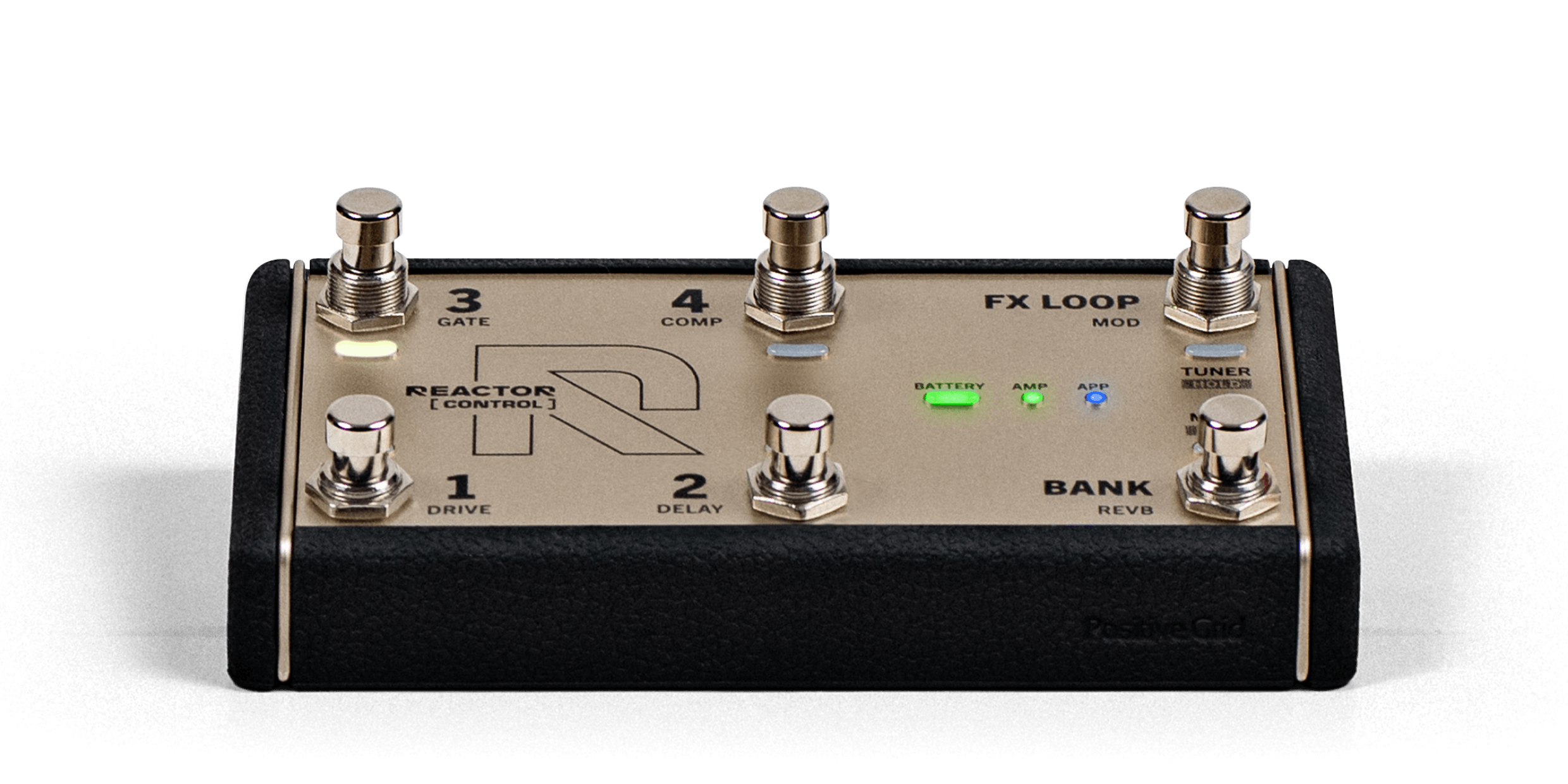
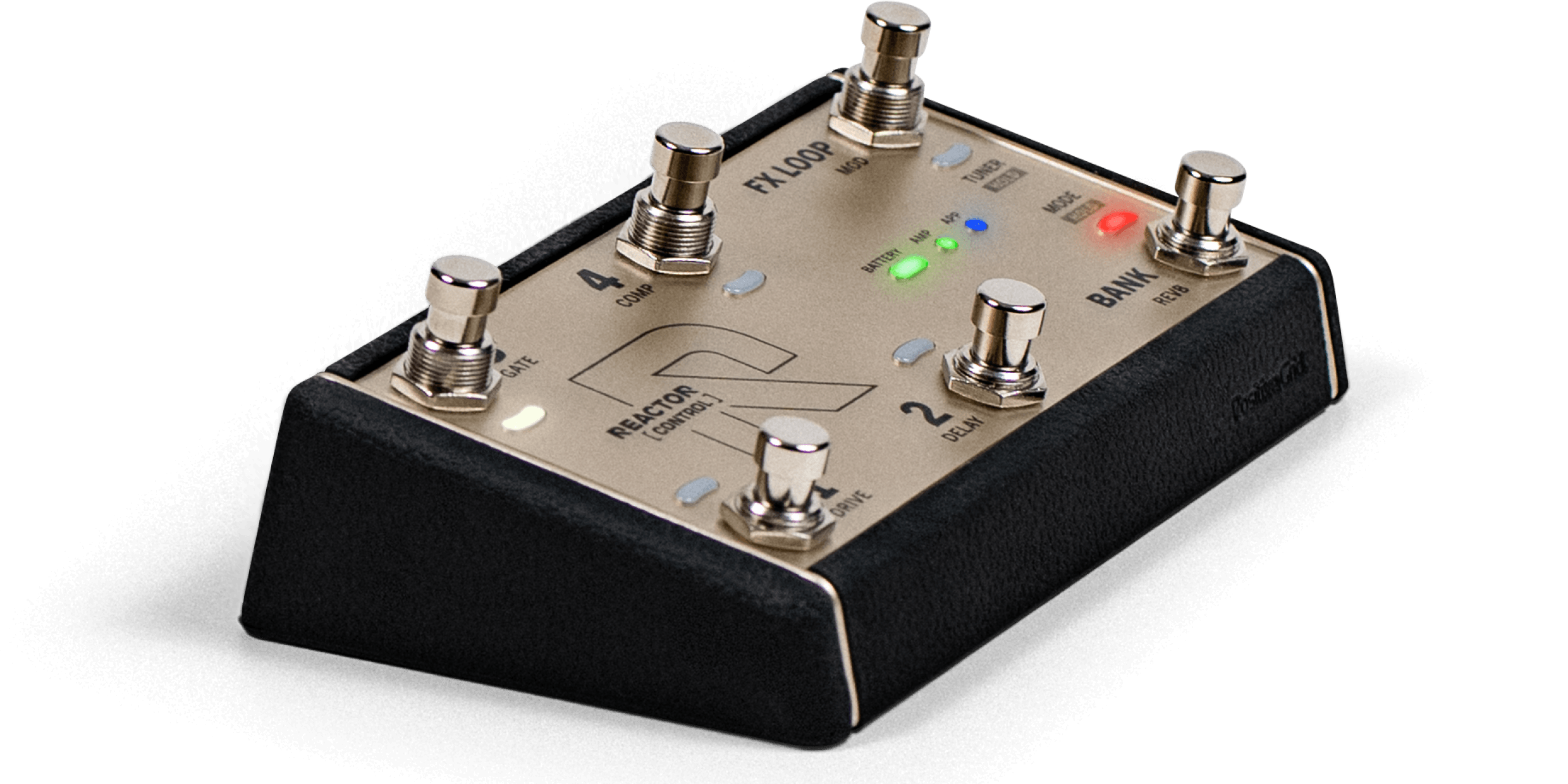
Turn individual effects on and off inside a preset. Six steel footswitches. LED indicators. Clear visual feedback under stage lights.
Jump between tones instantly. Move through banks. Hit the FX loop without hesitation.
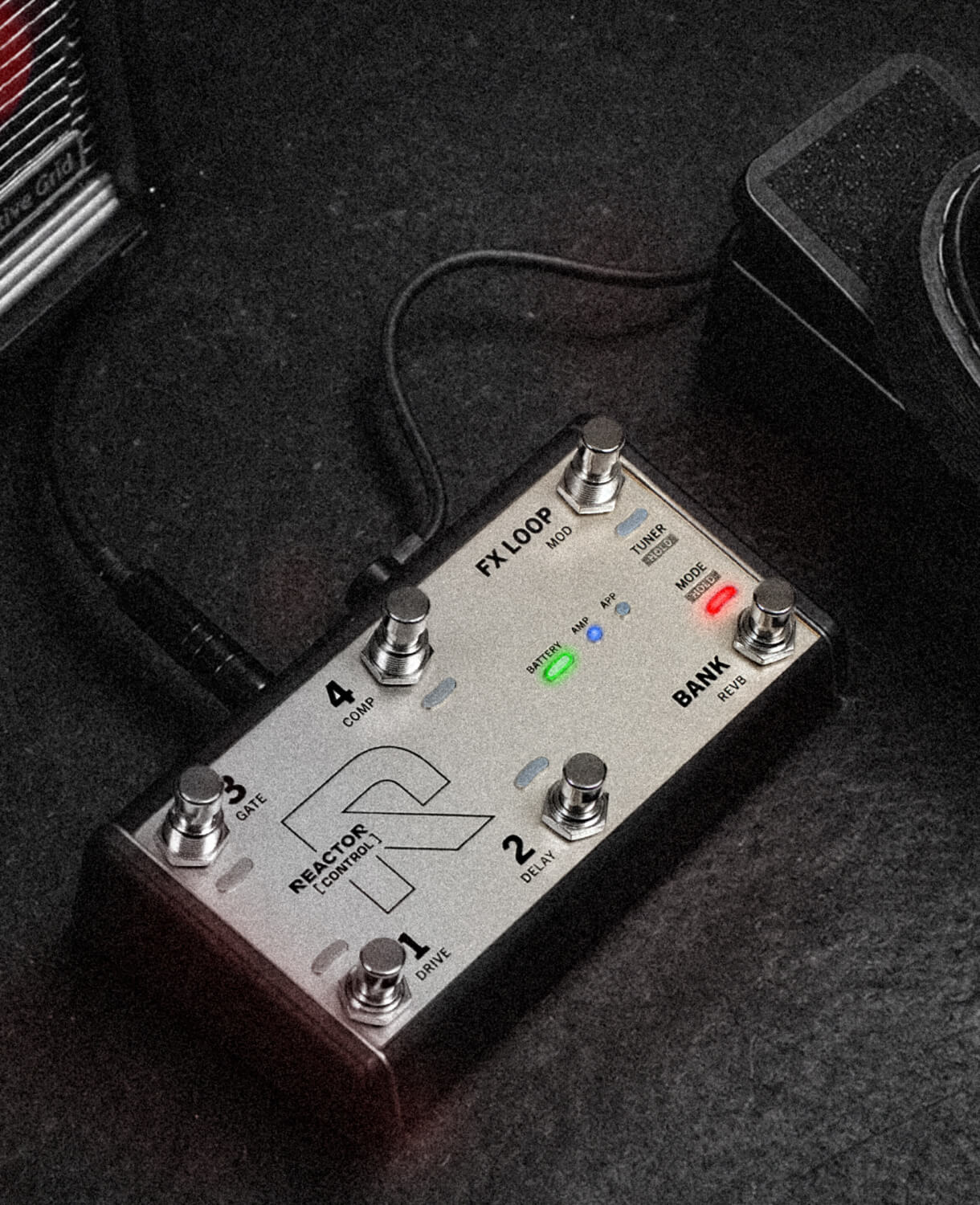
Expression
Pedal
Support.
Add an expression pedal for volume, wah, or assignable control through the REACTOR app.
*REACTOR Control and accessories sold separately.
Built to Be
Stepped On.
Compact. Durable. Stage-ready.
Rugged
Chassis
USB-C Rechargeable Battery (100+ Hours)
Battery & Wireless
Status Indicators
Lightweight,
Pedalboard-Friendly
Specs
Main Input Power
DC 5V/2A (USB)
Battery Type
Built-in 750mAh rechargeable lithium-ion battery
Charging Time
Approx. 7.5 hours
Play Time
40+ hours (varies by usage)
Top Panel Controls & Indicators
6 x Steel Footswitches 6 x Footswitch Indicators 1 x Power Indicator 2 x Connection Indicators
Rear Panel Controls
Power Button Function Button
Default Profiles
Profile 1 - Preset Mode (To switch the REACTOR amp presets) Profile 2 - Effect Mode (To toggle the effects)
Wired Connectivity
1 x 1/4" TRS output (to REACTORamp) 1 x 1/4" Expression Pedal Jack 1 x USB-C Port
Wireless Connectivity
Bluetooth 5.0
Wireless Transmission Range
Up to 55 feet (17 meters) line-of-sight
Box Contents
REACTOR Control USB-C to USB-A cable for charging 3m 1/4" TRS cable for connection to REACTOR amp Quick Start Guide Safety Instructions Card
Dimensions
Height (without switches): L 162.9 x W 90.9 x H 36.8 mm (L 6.41 x W 3.57 x H 1.44 inches) Height (with switches): L 162.9 x W 90.9 x H 54.8 mm (L 6.41 x W 3.57 x H 2.15 inches)
Weight
0.45 kg / 0.99 lb
FAQ
What is REACTOR Control?
REACTOR Control is a dedicated foot controller designed exclusively for REACTOR amps. It allows you to control presets, effects, and other functions hands-free, either wirelessly via Bluetooth or through a wired connection for ultra-low latency performance.
What can I control with REACTOR Control?
REACTOR Control gives you real-time control over your REACTOR amp, including:
• Switching between presets
• Turning effects on/off
• Controlling the FX loop
• Using an expression pedal (volume, wah, etc.)
• Navigating banks and modes
It's designed to eliminate the need for complex MIDI setups or programming, keeping everything simple and performance-ready.
Is REACTOR Control compatible with other amps or MIDI gear?
No. REACTOR Control is designed specifically for the REACTOR amp ecosystem and does not function as a general-purpose MIDI controller. This is intentional to ensure seamless integration and ease of use.
What's included in the box?
• REACTOR Control
• USB-C to USB-A cable (for charging)
• 3-meter TRS cable (for amp connection)
• Quick Start Guide
• Safety instructions
Does REACTOR Control work wirelessly?
Yes. REACTOR Control supports Bluetooth 5.0, allowing you to control your amp wirelessly with a range of up to 55 ft (17 m) line-of-sight.
Can I use it with a wired connection?
Yes. In addition to Bluetooth, REACTOR Control includes a dedicated 1/4" TRS wired connection to REACTOR amps for ultra-low latency and maximum reliability — ideal for live performance. This is a key advantage over typical MIDI controllers.
Can I see connection and battery status?
Yes. LED indicators provide real-time feedback for power and battery status, Bluetooth connection status, and active mode and footswitch state.
What are the default modes?
REACTOR Control comes ready to use with two default profiles:
Preset Mode — Switch between amp presets directly from the footswitches.
Effect Mode — Toggle individual effects on/off within a preset.
No setup required — plug in and play.
How many footswitches does it have?
REACTOR Control features 6 steel footswitches and 6 LED indicators for visual feedback. These are designed for durability and clear visibility during live use.
Does it support an expression pedal?
Yes. It includes a 1/4" TRS expression pedal input. You can assign it to control parameters like volume or wah via the REACTOR app, and settings are stored in the amp. By default, the expression pedal works in Auto mode — controls wah when wah is enabled, otherwise it controls volume. It can also be set to always wah or always volume via the REACTOR app.
Note: expression pedal is sold separately.
How is the battery life?
REACTOR Control includes a built-in rechargeable battery:
• Up to 162 hours (wireless)
• Up to 105 hours (wired)
• Charging time: ~7.5 hours using a 5V/2A charger
This makes it suitable for extended practice and multiple gigs without frequent charging.
How do I read the battery level?
REACTOR Control uses color-coded LED indicators for a quick, at-a-glance view of battery level:
• Green: Normal operation
• Yellow: Approximately 20–60 minutes remaining
• Red: Less than ~20 minutes remaining
Can I use REACTOR Control while it's charging?
Yes. Connect a USB-C cable to charge while you play — no downtime needed. Use any standard USB charger rated 5V/2A or above.
Videos
REACTOR Control - Quickstart Guide
REACTOR Control: Preset Mode and Effect Mode Explained